
Design.com vs Adobe Express: A Comparison You Should Know

If you are looking for a logo maker, you’ve perhaps already come across dozens of names during your search. But how do you know which one is actually reliable? How do you choose something that doesn’t promise a free solution and then ask you for a payment at the download step?
To help you avoid any scams and low-quality offers, we have put together two of the most popular logo maker tools in the market and compared them thoroughly so that you can choose the ultimate best of these two.
Design.com
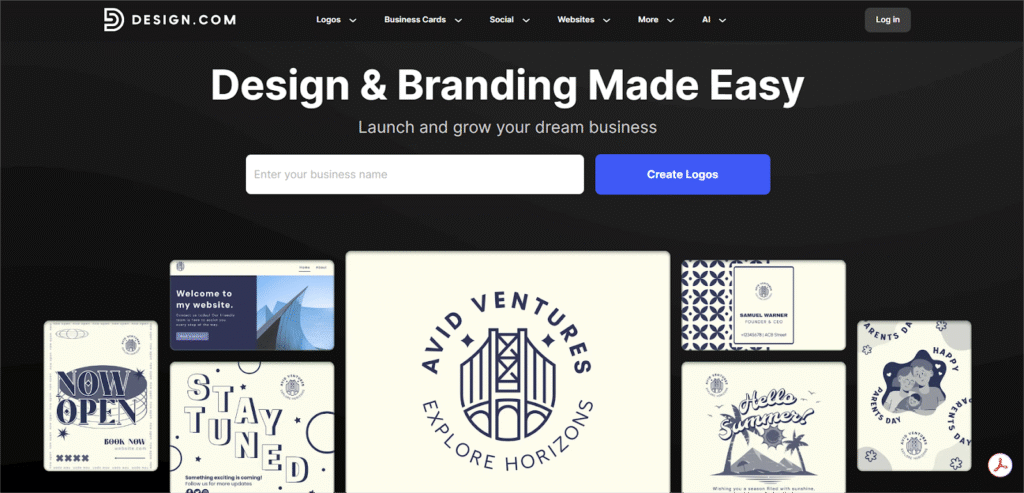
Design.com proves that the best design comes from the powerful combination of Real Art and Smart AI. Unlike generic AI-only generators, every high-quality logo on the platform is born from the expertise of actual human designers. This focus on professional, handcrafted logos is one of the many reasons why Design.com boasts a fantastic 4.7-star rating across 3,000+ Trustpilot reviews.
A Library of Unmatched Scale
- Over 360,000 professional logo templates in every style imaginable; it covers everything from elegant monograms and classic designs to 3D and playful cartoon logos.
- More than 1 million total design templates across all categories.
- An immense toolkit that features 62,000+ vector shapes, 750+ standard fonts, and 525+ exclusive fonts for complete customization.
- What’s more, this huge, human-created library is accompanied and strengthened by over 8 AI tools (including an AI logo generator and flyer maker) to make the creation process faster and more efficient.
Your Complete Brand-Building Toolkit
Design.com is far more than just a logo maker. It’s a one-stop shop that has over 50 dedicated tools designed to build, market, and manage your entire brand presence:
- You can launch your professional website with their Website Builder with no coding knowledge at all.
- Allows you to generate a consistent brand identity in seconds, including digital business cards, letterheads, presentation decks, and a branded “Link in Bio” page.
- It also enables you to create marketing materials such as social media posts, flyers, posters, and professional restaurant menus.
- Other Intelligent Tools:
- Need to clean up a photo? The Background Remover can help you do that in seconds.
- Stuck on a name? The AI Business Name Generator finds unique ideas and works with Domain Scout to help you get the perfect domain.
The Best Part: Truly Free Design
Design.com offers a full selection of free, downloadable logos that come with the same professional editing features, including customizable shapes, fonts, and colors, as premium options.
A free logo download provides users with the complete set of vector and raster files, plus versions with transparent backgrounds.
The free offering also includes access to a suite of complementary tools, such as the free website builder and digital business card maker, all of which can be published at no cost.
Please note: While users can freely create and save designs within the tool suite, downloading assets created outside of the primary logo files requires a premium plan.
Confidence and Support Built-In
Design.com ensures you have everything you need for peace of mind:
- All design elements are 100% licensed for commercial use.
- Extended licensing options are available so you can become the only and exclusive owner of your new logo.
- You can get real help right when you need it with 24/7 email and chat support.
- The platform supports 7 languages and accepts payment in over 9 currencies.
Adobe Express
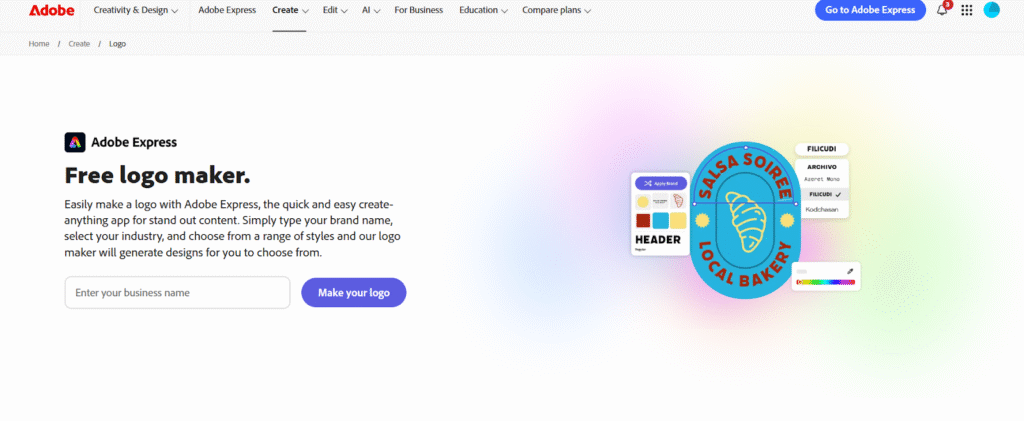
Adobe Express offers another useful platform that makes professional design accessible to everyone. Whether you need a logo, a dynamic social media post, a flyer, or a video, this app enables you to create quick designs even if you don’t have the skill for that.
Key Features
- The platform offers an extensive logo template library.
- It has a huge collection of free images, icons, and design assets that you can customize to match your brand vision.
- You just input your brand name and industry, select a style, and Adobe Express generates numerous logo designs for you to choose from.
- It has many animation styles that you can apply to the text or images in your logo. You can download your animation as an MP4 file.
- Once you like your logo, you can upload it to the Brand Kit within Adobe Express. This will help you apply your official logo, colors, and fonts to all your future design projects.
Advanced Tools
- You can download your logo as a PNG or PDF to get a scalable resolution and a transparent background.
- It offers free Adobe Fonts along with font recommendations for your project.
- The drag-and-drop makes it easy to add icons, graphics, and shapes. You can also open your logo directly in Adobe Express to easily crop, resize, or make other changes.
- The AI, Adobe Firefly, helps generate graphics, creative text effects, and custom color variations.
- Your final logo is automatically optimized for both digital and print applications.
Accessible and Generous
The free plan provides you with many templates, photo editing, animation tools, effects, and 2GB of storage. You can also easily turn your project into a shareable template.
Why Design.com Is Better than Adobe Express
| Feature | Design.com | Adobe Express |
| Philosophy | Real Art + Smart AI. Emphasis on high-quality, handcrafted logos designed by actual human designers and then enhanced by AI tools. | Professional Design Accessible to Everyone. Focuses on quick, easy design for logos, social media, flyers, and video. |
| Logo Templates | Massive: Over 360,000 professional logo templates. | Extensive logo template library. |
| Design Assets | Huge toolkit: 62,000+ vector shapes, 750+ standard fonts, 525+ exclusive fonts. Over 1 million total design templates. | Huge collection of free images, icons, and design assets; thousands of Adobe Fonts. |
| Brand Toolkit Scope | Complete Brand-Building Toolkit (50+ dedicated tools): Website Builder, consistent brand identity generation (business cards, letterheads), marketing materials (menus, flyers). | The Brand Kit helps apply logo, colors, and fonts to future design projects. |
| AI | 8 AI Tools (including AI Logo Generator, flyer maker) to make creation faster and more efficient. | Adobe Firefly (AI) helps generate graphics, creative text effects, and custom color variations. |
| Pricing / Free Offer | Truly Free Design. You can create and download your logo completely for free (all necessary files included). Payment is only for integrating it into advanced tools (like the website builder). | Generous Free Plan provides thousands of templates, editing tools, animation, and 2GB storage. |
| Support & Other Tools | 24/7 email and chat support; supports 7 languages. Includes Background Remover, AI Business Name Generator, and Domain Scout. | Includes animation styles (downloadable as MP4), easy drag-and-drop functionality, and optimized output for digital/print. |
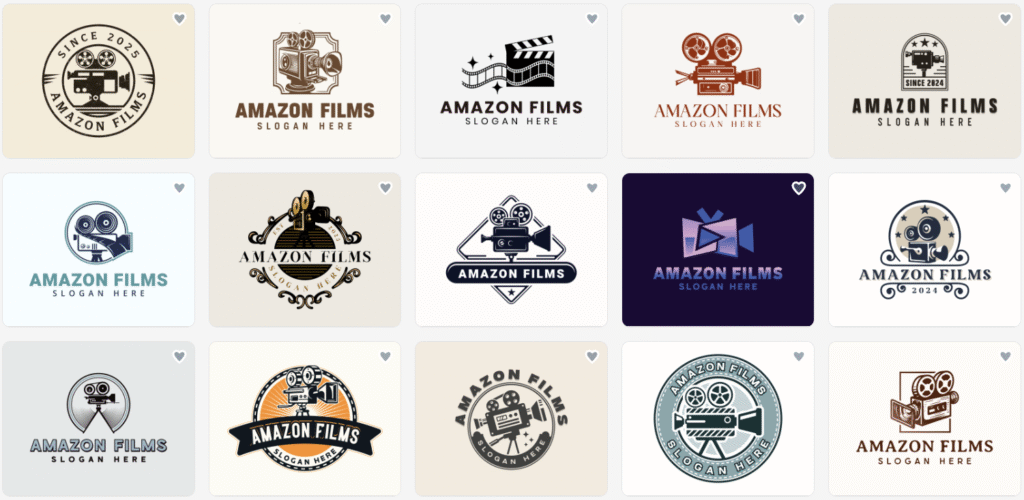
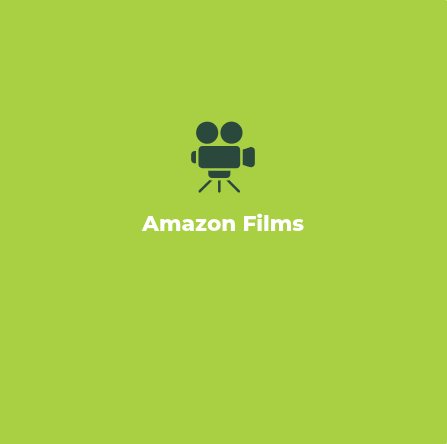
A Visual Comparison
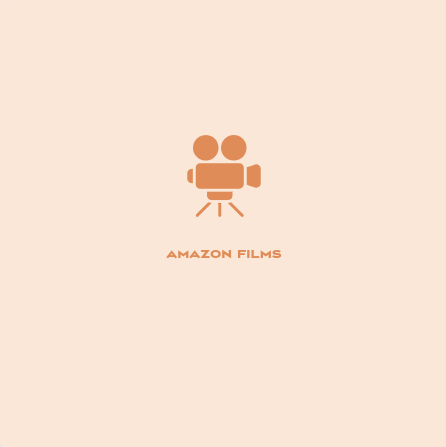
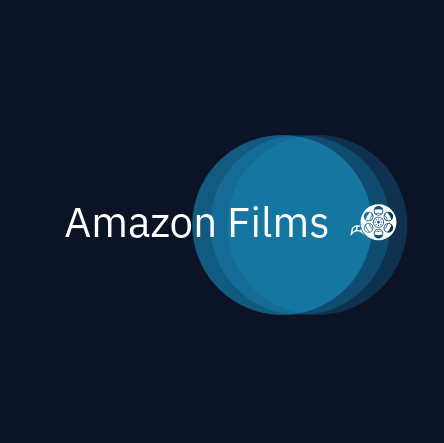
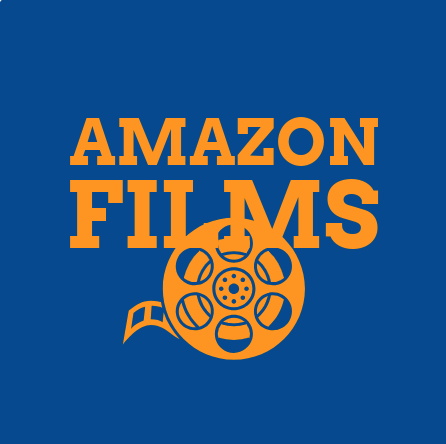
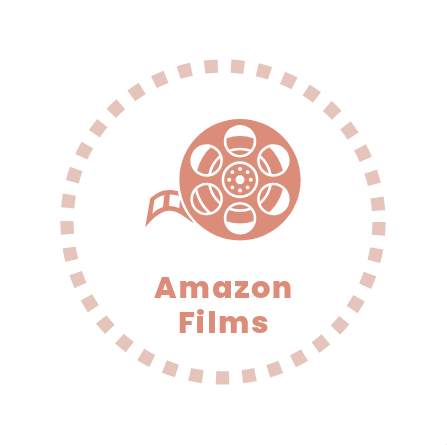
You can see the difference for yourself:
Logos Made with Design.com
Logos Made with Adobe Express

Summing Up
Both Design.com and Adobe Express have one common umbrella goal: to make logo-making accessible to everyone. Whether it was inaccessible to you because of a lack of budget or a lack of skill, now none of these matters; you can get your dream logo regardless of your budget or skill level.
While we prefer Design.com because of its many advantages mentioned above, we understand that tastes differ, so you may like Adobe Express or something else that’s not even on this list. Whatever your preference, we urge you to read online reviews and give each of the platforms a try to experience it yourself and make the best decision.
- General